Charge your phone. Hide the charger.
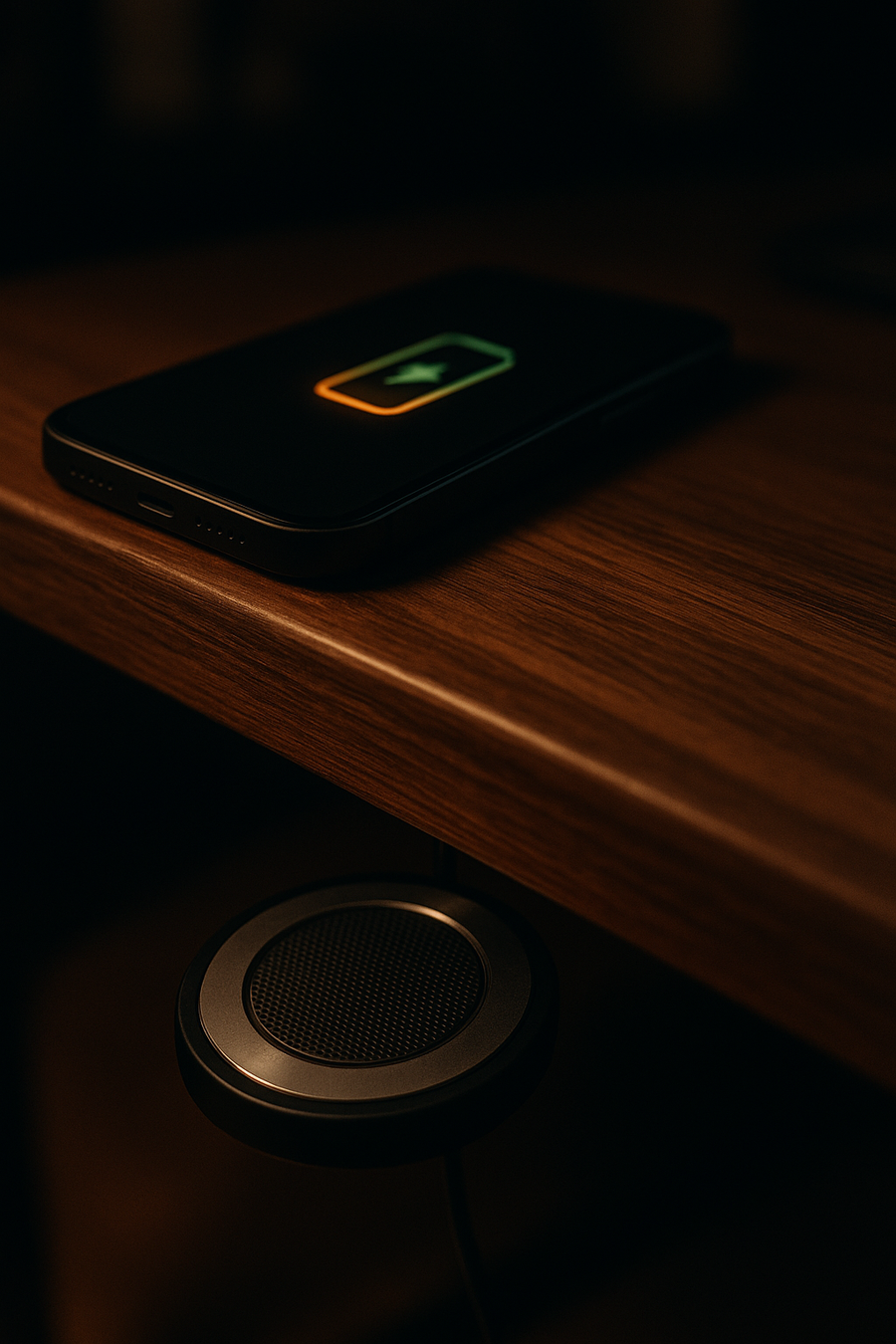
Phantom mounts beneath a compatible non-metal desk and turns one clean spot on the surface into your charging zone.
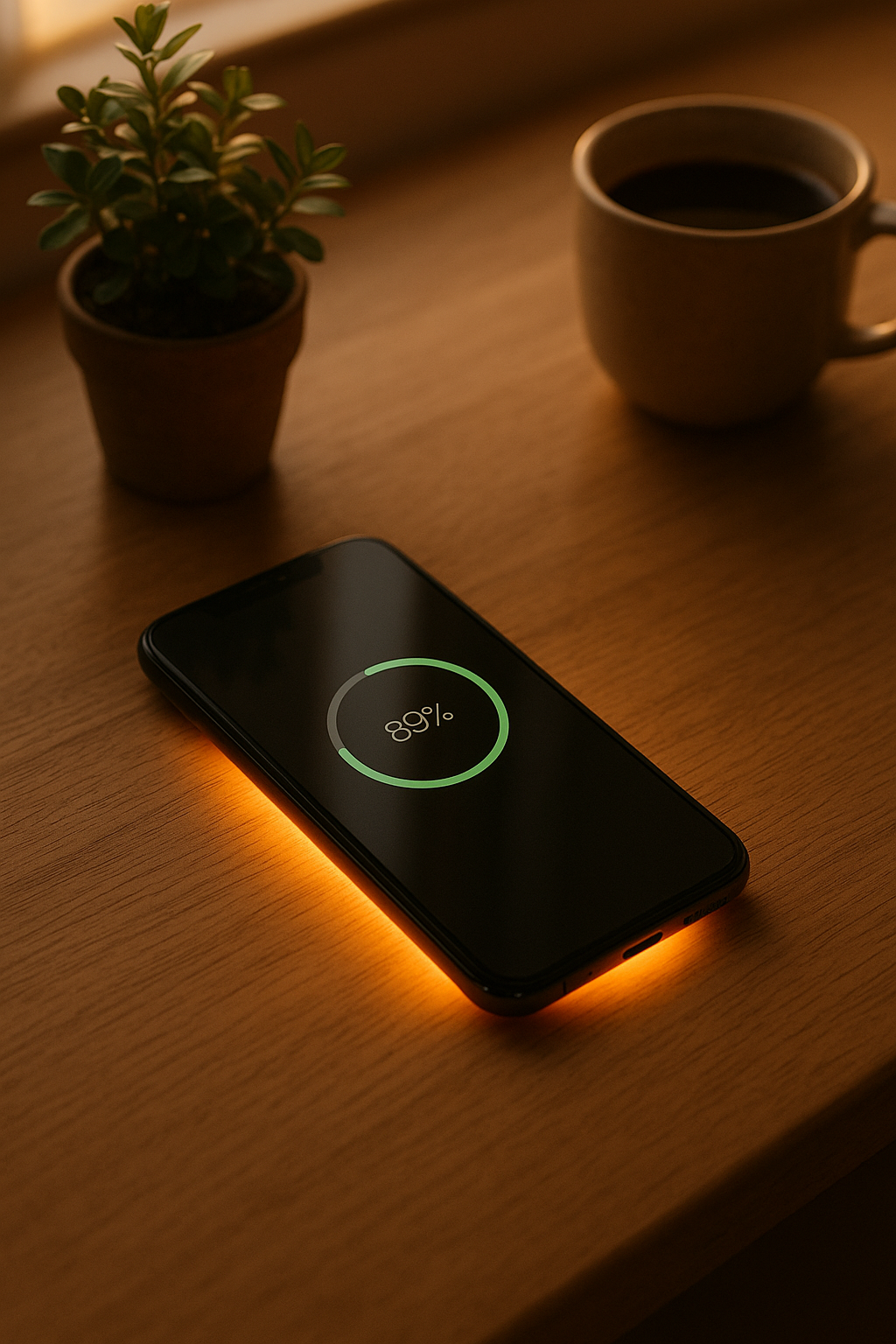
What you see: the phone. What you don’t: the charger.
Phone on top. Phantom underneath.
Pick one spot, measure the surface, then mount Phantom directly below it. Put your phone over that same spot when you want to charge.
Choose the spot.
Pick where your phone naturally sits and measure the surface there.
Mount directly below.
Install Phantom under that same position on a compatible non-metal surface.
Charge from the top.
Place your phone over the spot. Alignment, desk material and case thickness can affect performance.
Will it fit your desk?
Measure the exact surface where Phantom will sit. This is a screening tool, not a guarantee.
Measure first. Then order.
What arrives.
Make the charger disappear.
Keep the charging habit. Lose the puck on your desk.
Questions.
What surfaces work?
Compatible non-metal surfaces such as wood, glass and acrylic can work within the published distance range. Metal is not compatible.
How thick can my desk be?
The published charging-distance range is 8–20mm. Measure the exact mounting location before ordering.
Will it work with my phone case?
Case material and thickness can affect charging. MagSafe-equipped iPhones can be more sensitive because the magnets can interfere.